JokerTech
  • Home
  • Collection
  • Author
  • Portal
  • About
Subscribe

VMware

A collection of 1 post
How to install Ubuntu on VMware Workstation
Ubuntu

How to install Ubuntu on VMware Workstation

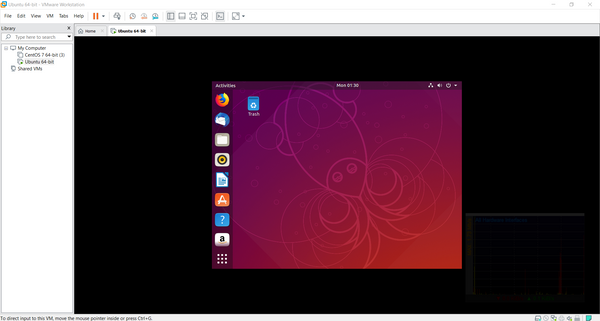
1. Download Ubuntu ISO [https://www.ubuntu.com/download/desktop] and VMware Workstation. 2. Open Vmware Workstation and click on Create a New Virtual Machine 3. Leave it on Typical and click Next 4. The next Picture is self-explanatory. Click on Next 5. Fill the boxes. Username and password would

May 6, 2019 3 min read
JokerTech © 2026
  • Data & privacy
  • Contact
  • Contribute →
Powered by Ghost